AR/VR Daily Experiences: Where Immersion Helps—and Where It’s Just Noise
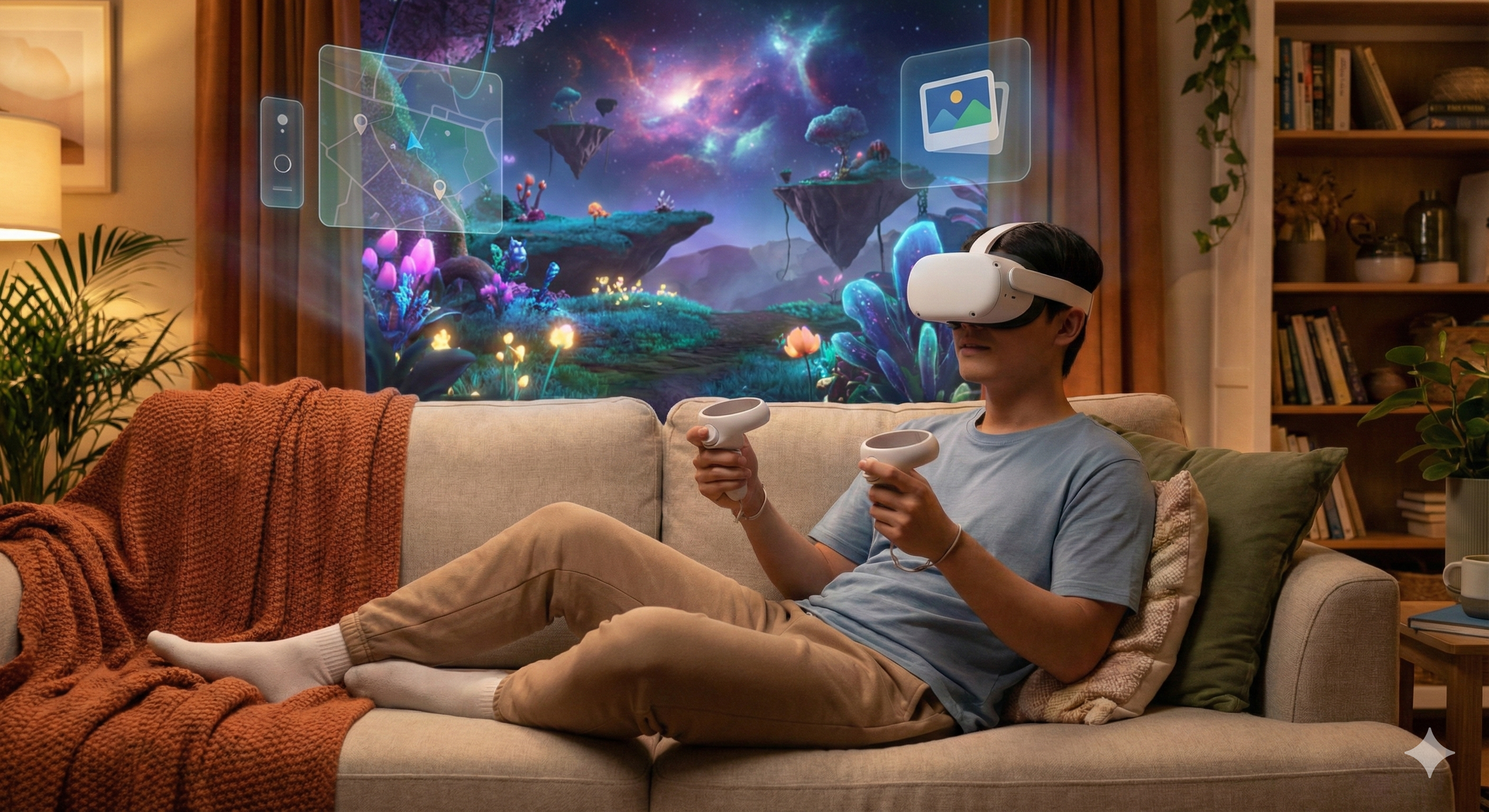
AR and VR are moving from novelty to utility in specific contexts. This article translates immersive tech into everyday scenarios, with a clear view of convenience vs control and privacy vs personalization.

Summary: AR/VR becomes valuable when it reduces friction in learning, collaboration, and spatial tasks—not when it tries to replace everything with immersion. The daily-life story is about time, comfort, and privacy in shared spaces.

1) Lifestyle challenge
Many everyday tasks are spatial and visual: assembling furniture, navigating complex buildings, learning a physical skill, or collaborating on a design. Yet our primary interfaces are still flat screens.
AR and VR promise to match the interface to the task. The challenge is that daily life has constraints: people share spaces, have limited time, and don’t want to wear bulky hardware for routine errands.
2) Technology role
- AR (Augmented Reality): overlays information onto the real world.
- VR (Virtual Reality): replaces the environment for full immersion.
The role isn’t “make life virtual.” It’s to provide just-in-time context where screens are awkward: step-by-step guidance, spatial previews, and remote collaboration that feels less like a video call.
3) Daily-life application
Scenario A: Learning by doing. AR overlays can guide a task (repair, cooking setup, DIY) without requiring you to stop and reread instructions.
Scenario B: Remote presence for collaboration. VR can make reviews and workshops feel more shared when the work is spatial (3D, layouts, product prototypes).
Scenario C: “Try before you buy.” AR previews for furniture and décor can reduce return cycles by helping people see fit and scale.
Where it tends to fail: trying to turn ordinary messaging, browsing, or shopping into immersive experiences. If immersion increases effort, users revert to phones.
4) Benefits vs concerns
Benefits
- Spatial clarity: previews and overlays reduce guesswork.
- Better learning loops: practice with guidance can reduce frustration.
- More engaging collaboration: for the right tasks, presence matters.
Concerns
- Privacy in shared spaces: cameras and mapping features are sensitive.
- Attention and social boundaries: wearing immersive gear can isolate the user.
- Content overload: overlays can become cluttered and distracting.
A practical lens is “does AR/VR reduce steps?” If it adds steps, it won’t become daily.
5) Key Insights & Trends (2025)
In 2025, Augmented and Virtual Reality have converged into Mixed Reality (MR) as the standard for daily use. Passthrough technology has improved to the point where users can comfortably wear headsets for extended periods, blending digital workspaces with physical environments.
Key Trends:
- Spatial Productivity: The “infinite desktop” concept has gone mainstream, with knowledge workers using MR headsets to manage multiple virtual screens in a physical office space.
- Social Presence: Spatial personas and realistic avatars have transformed remote meetings, making virtual interactions feel nearly as authentic as face-to-face meetings.
Data Points:
- Daily active users of VR/MR devices for non-gaming purposes (productivity, design, social) reached an estimated 15 million globally by late 2024.
- Enterprise adoption of MR for training and remote assistance grew by 60% in 2025, citing reduced travel costs and improved knowledge retention.
6) Adoption barriers
- Comfort and portability: daily use demands light hardware.
- Setup friction: calibration and environment requirements matter.
- Content quality: utilities win over gimmicks.
- Social acceptance: people adopt what feels normal in public.

6) Near-future outlook
The near future is likely “AR-first, VR-selective.” AR wins because it integrates with life; VR wins when it delivers something flat screens cannot.
Expect improvements in:
- passthrough quality,
- lighter headsets,
- better privacy indicators and permissions,
- more “single-purpose” daily utilities.
7) FAQs
Q: Is AR or VR more useful for daily life?
A: AR tends to fit daily routines better; VR excels in focused sessions (learning, collaboration, entertainment).
Q: What should I be careful about?
A: Camera/mic permissions, location mapping features, and whether you can easily disable capture.
Q: Will it replace my laptop?
A: For most people, not soon. It will complement devices in specific workflows.
Q: How do I know a use-case is real?
A: If it saves time and reduces steps—without requiring you to “perform” immersion.
8) Balanced conclusion
AR/VR becomes practical when it aligns with human constraints: short sessions, shared spaces, and clear control over capture. The winners won’t be the most immersive experiences, but the most useful ones—tools that remove friction in learning and spatial decision-making.
Related Articles
Related Articles

AI Wearables: Convenience, Control, and the New Personal Data Boundary
AI wearables promise hands-free assistance and better habits, but the real question is what you trade for that convenience. This article maps everyday scenarios to privacy, control, and realistic adoption barriers.

Smart Home Interoperability (AIoT): The Real Battle Is Standards and Trust
Smart homes fail when devices don’t cooperate and users lose control. This article explains interoperability as a lifestyle issue—how standards, local control, and privacy determine daily value.
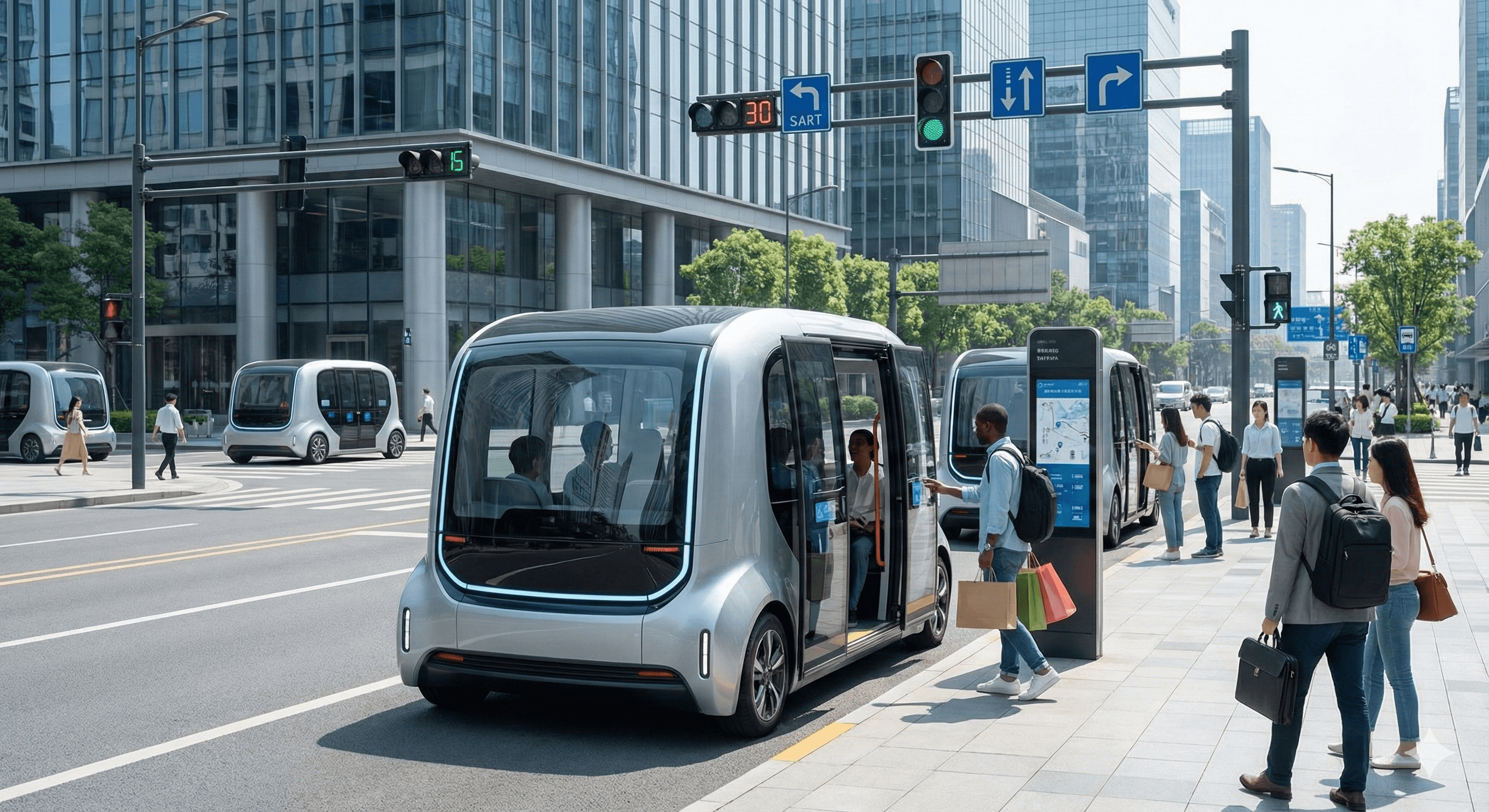
Autonomous Vehicles & Robotaxis: Convenience vs Control in Everyday Mobility
Robotaxis and autonomous driving systems can change how cities move, but adoption depends on trust, regulation, and everyday practicality. This article focuses on realistic scenarios and the tradeoffs people feel.