Spatial Computing in Design: Beyond Screens to Context
Spatial computing challenges designers to think beyond the frame. This article explores how to design for depth, scale, and environment—and why context is the new constraint.
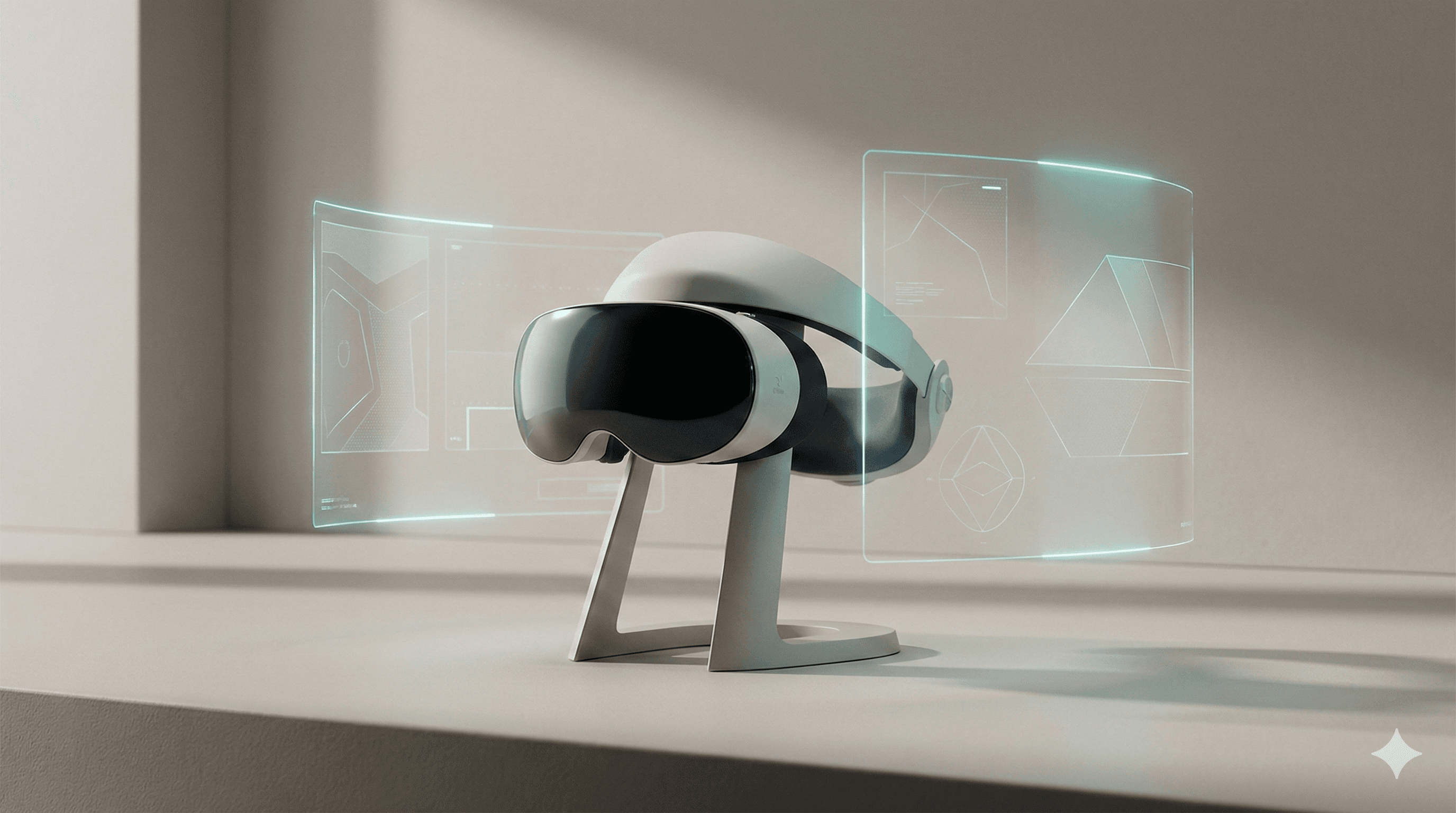
Summary: Spatial design is not just 3D UI. It’s designing for the user’s environment. The challenge is managing attention, scale, and comfort when the interface has no edges.
1) Design evolution
We moved from command lines (1D) to GUIs (2D) to mobile (touch). Spatial computing (3D/XR) is the next layer: interfaces that exist in the real world.
The shift is from “content in a frame” to “content in the room.”
2) Core principle
The core principle is environmental respect.
- Scale: UI should feel appropriate to the physical distance.
- Occlusion: virtual objects should respect real objects.
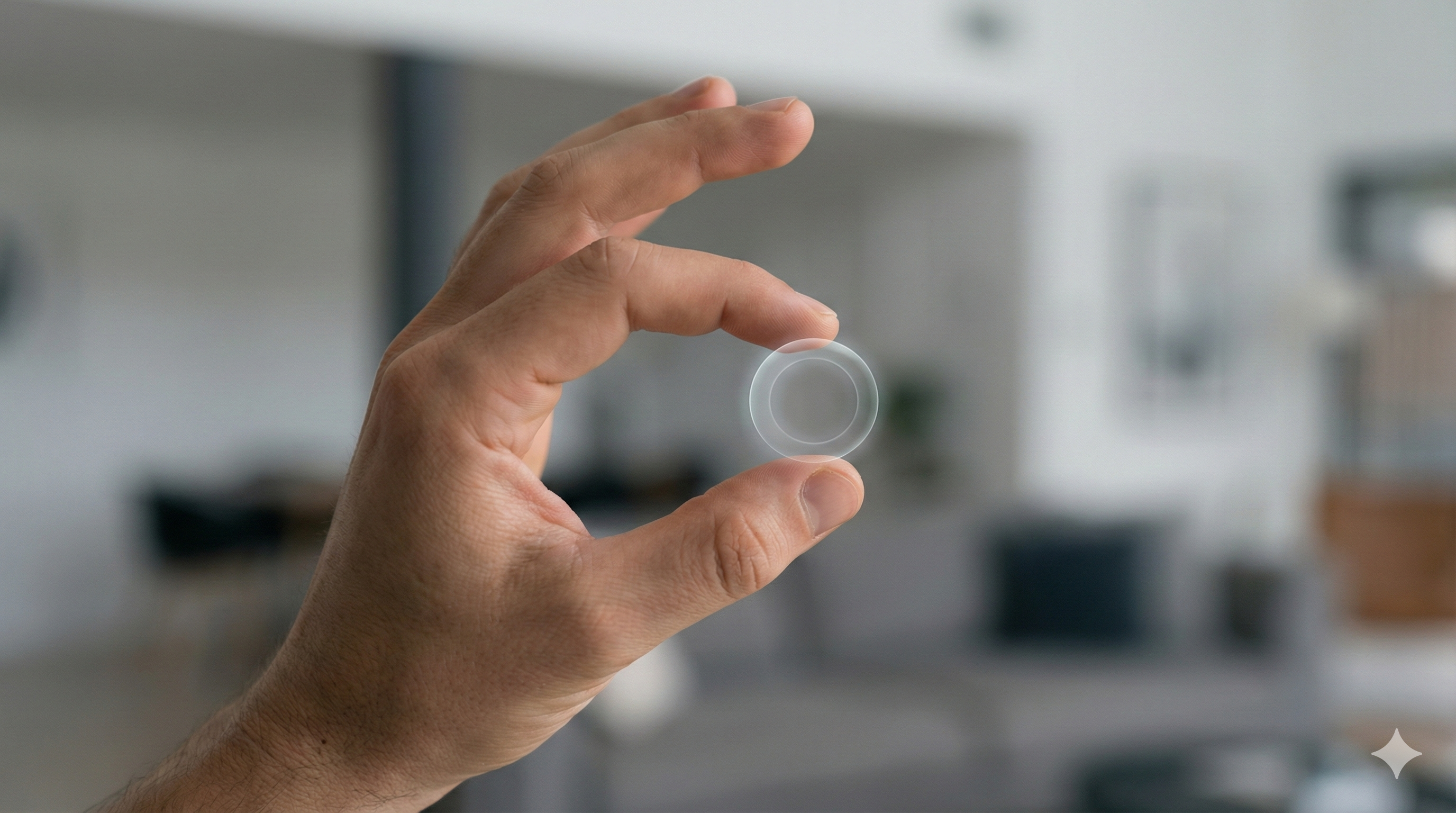
- Input: gaze, gesture, and voice replace the mouse.
3) Human-centered impact
Positive: Intuitive manipulation. Grabbing an object feels natural. Positive: Infinite canvas. No screen edges limit the workflow.
Negative: Physical fatigue. “Gorilla arm” from holding hands up. Negative: Cognitive dissonance. Mixing real and virtual can be disorienting.
4) Real-world examples
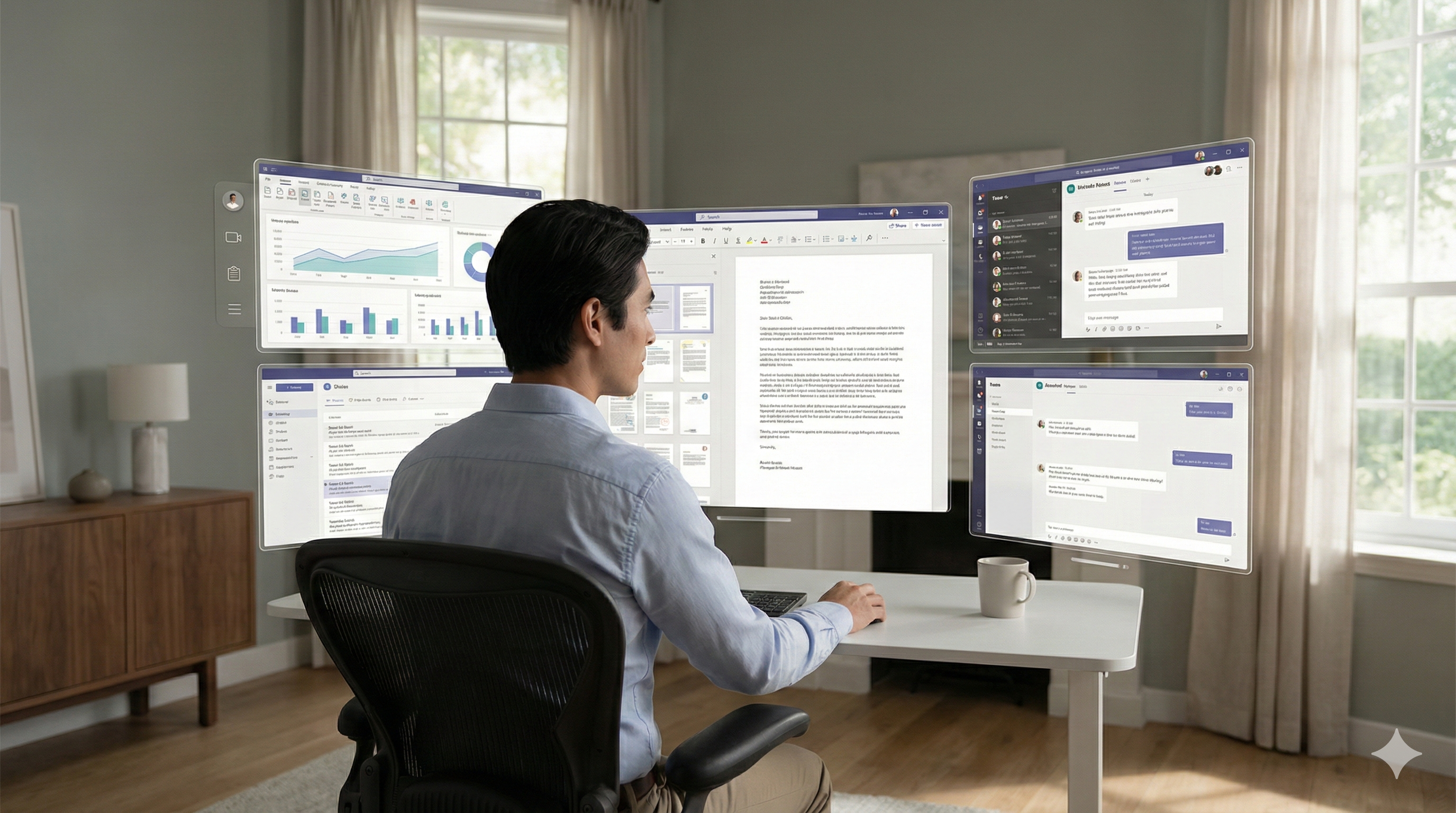
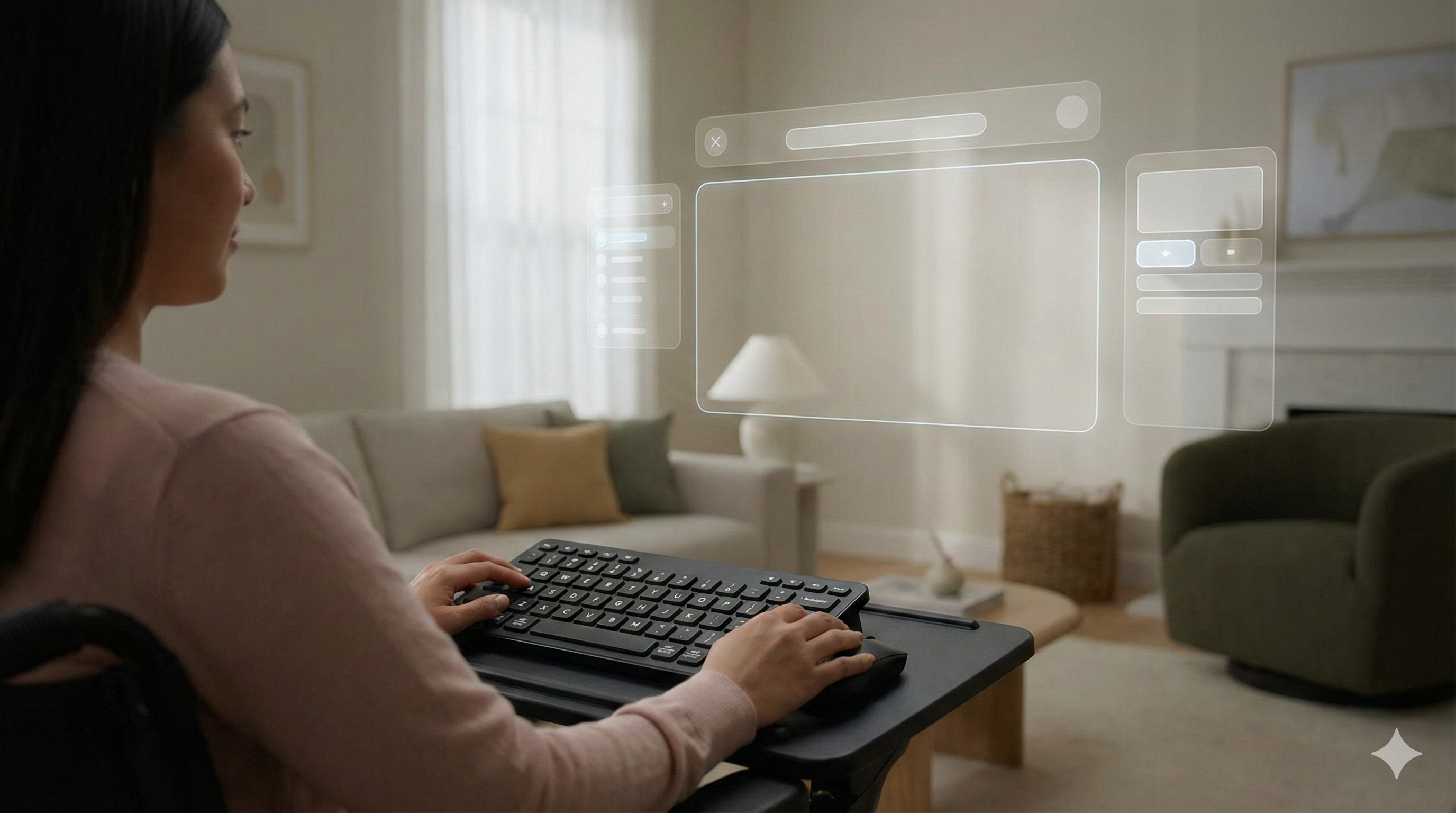
- Virtual monitors: extending workspace without physical screens.
- Training overlays: highlighting real-world machinery parts.
- Collaborative models: viewing a 3D product design together in a room.
5) Key Insights & Trends (2025)
With the proliferation of mixed reality headsets, Spatial Computing has become a distinct design discipline. In 2025, designers are mastering the art of creating interfaces that exist in 3D space, dealing with depth, occlusion, and hand-eye interaction models.
Key Trends:
- Volumetric Interfaces: UI elements are gaining depth and volume, moving away from flat planes floating in space to objects that feel tangible and interactive.
- Gaze and Pinch Interaction: The standard interaction model has settled on eye-tracking for selection and hand gestures for action, requiring large, forgiving hit targets and clear visual feedback.
Data Points:
- Demand for specialized spatial computing designers grew by 200% in 2025 following the release of next-gen headsets from major tech giants.
- User studies indicate that spatial interfaces for 3D modeling and data visualization improve comprehension speeds by 35% compared to 2D screens.
6) Accessibility considerations
Spatial computing has high barriers.
- Motor control: gestures can be hard for some users. Support alternative inputs (eye, voice).
- Visual impairment: depth perception varies. Don’t rely solely on depth cues.
- Safety: ensure users don’t trip or hit real objects.
6) Common mistakes
- Flat UI in 3D: pasting a 2D website into space doesn’t use the medium.
- Ignoring comfort: placing UI too close or too high causes strain.
- Over-clutter: filling the room creates anxiety.
7) FAQs
Q: Is this just VR?
A: No. Spatial computing includes AR/MR—interacting with the real world, not just a virtual one.
Q: Do 2D design skills transfer?
A: Yes. Typography, hierarchy, and color still matter. But you need to learn scale and physics.
Q: What’s the biggest constraint?
A: Human physiology. Neck strain and arm fatigue limit session length.
Q: How do we prototype?
A: Tools like Spline, Unity, and even cardboard mockups help test scale.
8) Forward-looking summary
Spatial computing is still maturing, but the principles are clear: respect the user’s body and environment. The best spatial design feels like a superpower—enhancing the real world, not blocking it out.
Related Articles
Related Articles

Dark Mode & Accessibility: Beyond Aesthetics to Visual Ergonomics
Dark mode is a user expectation, but implementing it correctly requires understanding contrast, color volume, and visual fatigue. This article explores the design system approach to accessible themes.

Modern UI/UX Design Principles: The Complete 2025 Guide
Master the fundamental principles of user interface and user experience design. Learn visual design, user research, accessibility, design systems, and modern tools to create exceptional digital products.
Generative UI/UX Design: When Interfaces Adapt to Intent
Generative UI promises interfaces that adapt to user intent in real-time. This article explores the design principles, cognitive load implications, and accessibility challenges of dynamic interfaces.