Motion UI: Enhancing Usability Through Meaningful Movement
Motion in UI is often treated as decoration, but its real value is communication. This article explores how motion supports usability, reduces cognitive load, and respects accessibility preferences.


Summary: Motion is functional, not just aesthetic. It explains state changes, guides attention, and confirms actions. The design challenge is using motion to clarify—without distracting or causing accessibility issues.
1) Design evolution
Early web motion was flashy and distracting (Flash intros). Modern motion is subtle and integrated: micro-interactions, state transitions, and spatial continuity.
The shift is from “motion for attention” to “motion for explanation.”
2) Core principle
The core principle is continuity. Motion connects state A to state B, helping the user understand what happened.
- Orientation: where did this new element come from?
- Feedback: did my action register?
- Hierarchy: what is the most important change?
Motion should be fast enough to not block interaction, but slow enough to be perceived.
3) Human-centered impact
Positive: Reduced change blindness. Users notice updates because movement draws the eye. Positive: Perceived performance. Smooth transitions can mask loading times.
Negative: Distraction. Too much movement creates noise. Negative: Vestibular triggers. Large, sweeping motions can cause nausea for some users.
4) Real-world examples
- Shared element transitions: an image expanding from a list to a detail view.
- Skeleton loading: shimmering effects that imply activity.
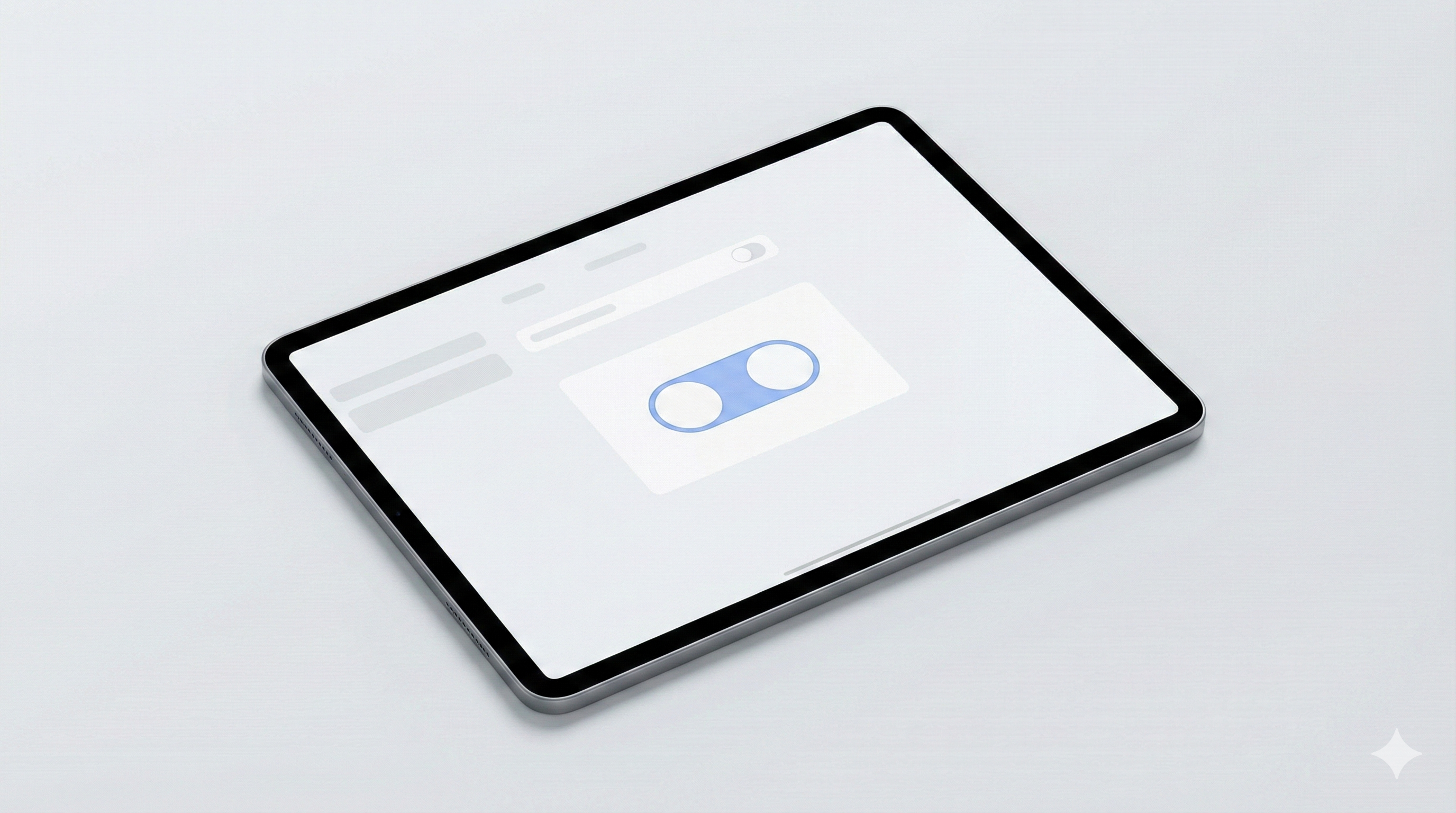
- Toggle switches: smooth sliding to confirm state change.
5) Key Insights & Trends (2025)
Motion UI in 2025 is no longer just about delight; it is a core component of usability and storytelling. With improved browser performance and tools like Rive, complex animations are being used to guide user attention and provide intuitive feedback without impacting load times.
Key Trends:
- Scrollytelling Evolution: Scroll-triggered animations have become more sophisticated, turning long-form content into immersive, interactive narratives that keep users engaged.
- Functional Micro-interactions: Motion is being used strictly to convey state changes and spatial relationships, helping users build a mental model of the application.
Data Points:
- Websites utilizing advanced motion UI techniques saw a 20% increase in average session duration in 2025 user engagement studies.
- Performance optimization tools have allowed for a 50% reduction in animation file sizes, making rich motion accessible even on mobile networks.
6) Accessibility considerations
Motion accessibility is critical.
- prefers-reduced-motion: Respect this media query. Reduce or remove motion for users who request it.
- Vestibular safety: Avoid large parallax or spinning effects.
- Control: Allow users to pause or stop continuous animation.
Design systems should have a “reduced motion” mode built into every component.
6) Common mistakes
- Too slow: animations that block the user from working.
- Too much: animating everything creates chaos.
- Ignoring preferences: failing to respect reduced-motion settings.
7) FAQs
Q: Is motion necessary?
A: It’s a powerful usability tool. Without it, state changes can feel abrupt and confusing.
Q: How fast should it be?
A: Typically 200ms–400ms. Faster for small UI, slightly slower for large transitions.
Q: How do we handle accessibility?
A: Use prefers-reduced-motion to swap animations for simple fades or instant changes.
Q: Does it impact performance?
A: Yes. Stick to transform and opacity changes to keep rendering cheap.
8) Forward-looking summary
Motion is part of the interface language. Used well, it makes software feel physical, responsive, and understandable. The future of motion is subtlety and respect: guiding the user without demanding attention, and always honoring accessibility needs.
Related Articles
Related Articles
Generative UI/UX Design: When Interfaces Adapt to Intent
Generative UI promises interfaces that adapt to user intent in real-time. This article explores the design principles, cognitive load implications, and accessibility challenges of dynamic interfaces.
Dark Mode & Accessibility: Beyond Aesthetics to Visual Ergonomics
Dark mode is a user expectation, but implementing it correctly requires understanding contrast, color volume, and visual fatigue. This article explores the design system approach to accessible themes.
Modern UI/UX Design Principles: The Complete 2025 Guide
Master the fundamental principles of user interface and user experience design. Learn visual design, user research, accessibility, design systems, and modern tools to create exceptional digital products.